



Betnella Mobile Access
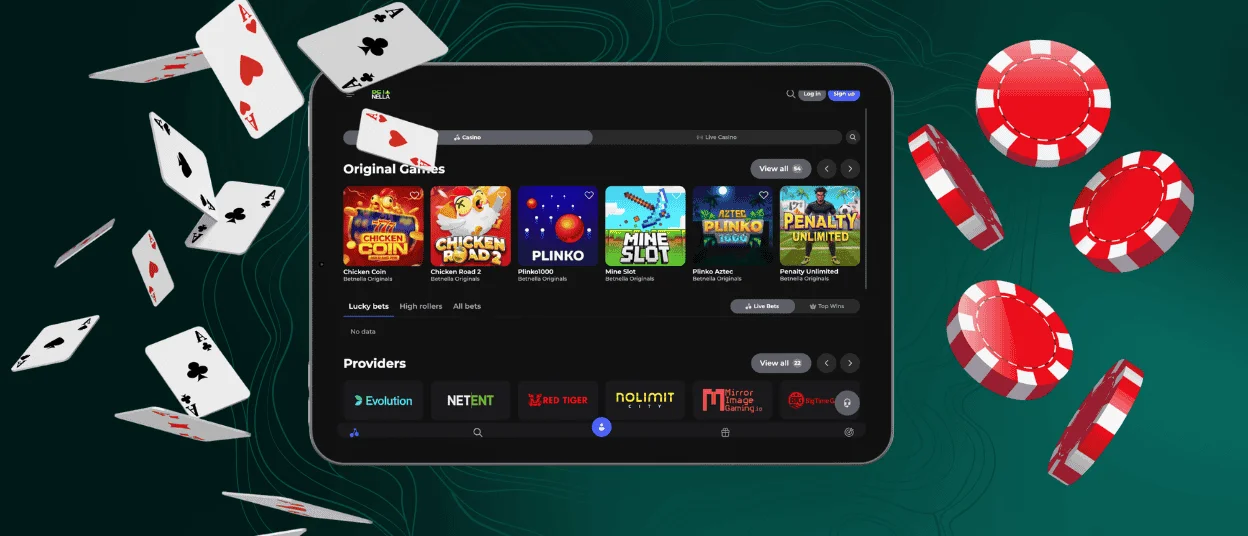
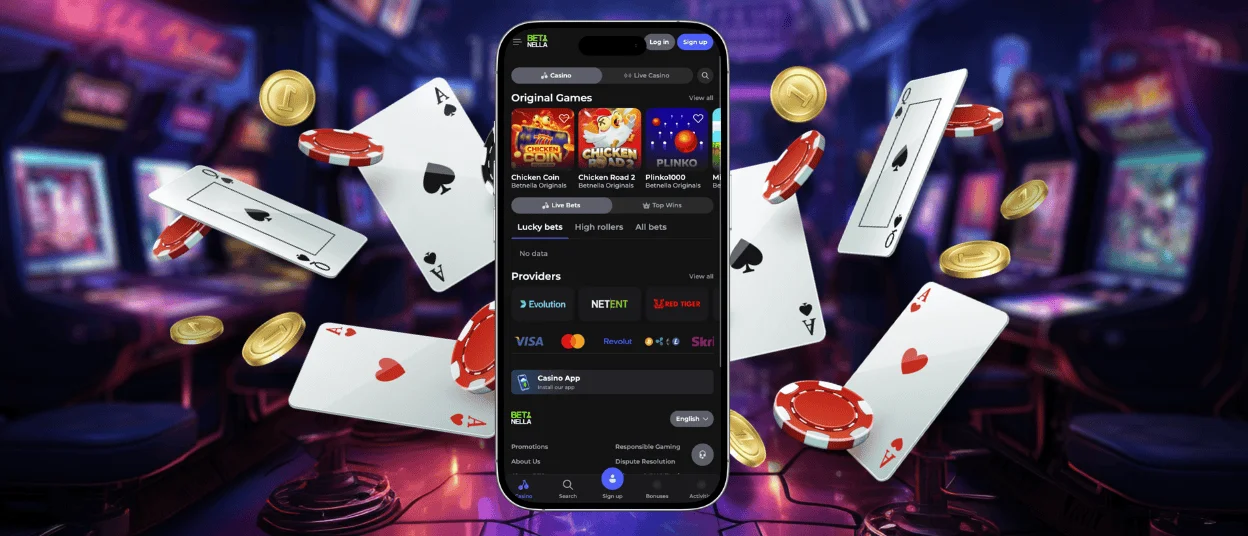
The Betnella app is our latest mobile solution that allows players to have quick access to the entire catalog on our platform without downloading anything from the stores. The format of the application is PWA, so you can add it to your home screen as an icon.
We keep the characteristics of the mobile app as close to the full website version as possible. You get connected to everything in your account just as you would on your desktop because everything is synchronized with your main profile to make it useful for game sessions.



Using Betnella Casino on Mobile
If you prefer everything comfortable and mobile, then you can choose to try our progressive web application for your smartphone device.
What is a progressive application format? It is the latest technology that brings you a high-quality portable mobile gaming experience combined with the latest developments of the online casino gaming industry. Think of it as a full-fledged mobile or desktop version of Betnella. Instead of developing a separate file, a single icon acts as if it were downloaded from an app store. To achieve maximum speed, our PWA has an “app shell” architecture, but much more technologically advanced.
Straight from your phone, you can enjoy the games and online slots of the best game providers like Iconic21, Booongo, Evolution and such—with lots of interesting specifications that will allow you to switch the language fast, get to the network of your choice, and enjoy the best performance. This makes the Betnella Casino PWA more convenient and enjoyable for users.
The Betnella app has many advantages that you can enjoy after installing it on your phone:
- There’s no need for any downloads from unknown web sources.
- App installation happens by saving a small icon from our website, Betnella Casino. It is very convenient and safe.
- It opens right after installation, and you don’t have to wait for the features to load.
- The Bet Nella app is completely synchronized with the full version of our casino.
- You get access to the verification process in your profile.
- The battery is never going to be drained because only a few megabytes of free space are taken on your device.
As you can tell, the overall convenience of using the shortcut icon instead of installing extra software on your device seems like a great idea, especially when it comes to playing digital casino games and joining live game sessions.
Betnella App for Android
Android users can enjoy Bet Nella as a complete mobile experience. We have prepared everything for functionality and digital casino perks for smartphone owners.
Getting the Bet Nella application in the form of a shortcut icon would bring you many benefits, such as getting rid of the necessity of installing heavy software from external sources while also enjoying all the necessary browser elements in a portable, small form.
There is no need to go to the Google Play Store anymore, as our app can be installed straight from the website, just one click of a button away. You can get all the specifications of our casino with a complete game catalog on your device.
The big advantage of our PWA is that every potential problem has an easy solution. Below in the table, we’ve summed up some examples of issues our users can potentially face when visiting our casino on the web, along with fast solutions that the app provides to each of these concerns:
| Android Problem | Betnella Casino PWA |
| Finding the site again takes time after the browser is closed. | Opens directly from the Android home screen with one click. |
| Browser tabs can get mixed with other pages. | Keeps Betnella separate from regular browser tabs for easier navigation. |
| Pages reload hectically when the browser is closed or interrupted. | Loads quickly and keeps key components ready for a smoother return. |
| Updates may require a manual page refresh. | Updates automatically in the background. |
| Switching between sections feels inconsistent in a browser tab. | Supports smoother navigation within the PWA. |
Bet Nella App for iOS
Now let us walk you through the easy process for getting our application if you have an iPhone. In a few steps, you are good to go. Have a look at the instructions for installation below:
- Tap the “Casino App” icon on our website.
- When the new Safari tab opens, click the “Add to Home Screen.”
- Make up a shortcut name (maybe something like The Best Casino Ever) and tap “Add” in the right corner.
- Give your iPhone a moment to place the shortcut on the Home Screen.
- Find the icon and tap it to open the PWA.
- Log in to your casino account and continue from where you left off.
Most of the time, it is so easy to install and use our app. Yet if something is not going smoothly, here is what you can do:
| Issue | What to Do |
| “Add to Home Screen” does not show up. | Make sure you’ve opened the page in Safari. |
| The Betnella shortcut is not noticeable | Swipe through all home screen pages and check the app library. If needed, repeat the installation steps. |
| The PWA opens a browser tab that I do not use at all | Delete the shortcut, then add it again via Safari. |
| The page does not load properly | Check your internet connection, refresh everything and try opening the shortcut again. |
| The icon looks outdated | Remove the old shortcut, open the Betnella app in Safari, and add the PWA to the home screen again. |
| Login does not work after opening the PWA | Clear Safari website data, restart the iPhone, and sign in again. |
Desktop App for Windows and macOS
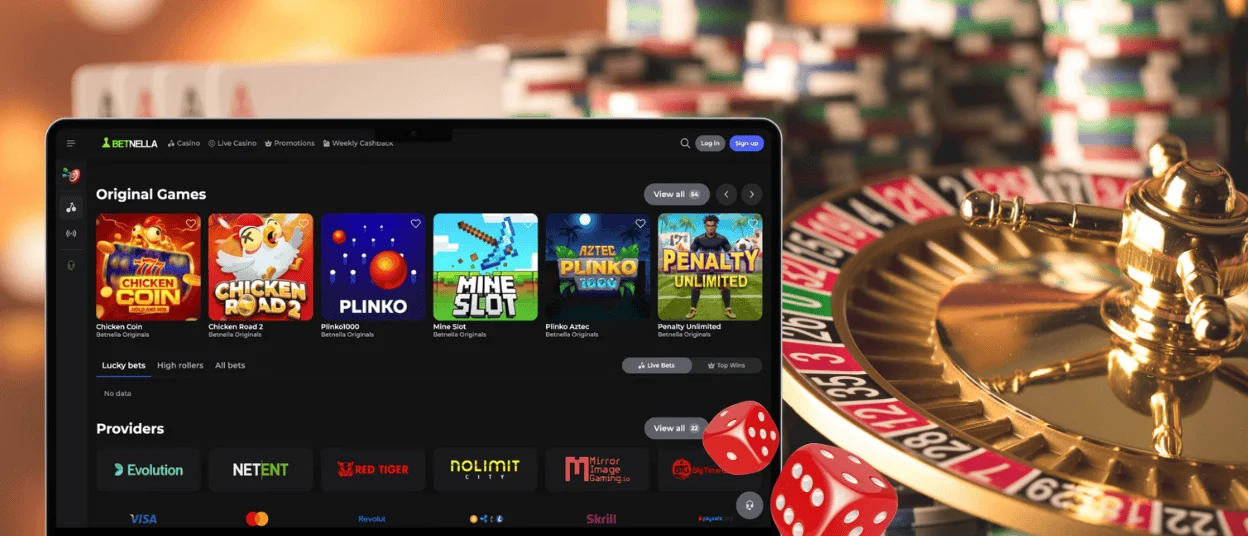
Our full desktop version of the Betnella Casino is completely compatible with these operating systems and offers the most convenient interface you can possibly find with the highest resolution. The separate icon will appear on your taskbar straight after the installation.
You can move it and adjust its size as per your preferences. If you delete the icon, you need to understand that the Betnella app will still hang on in a tray, so proper uninstallation is required if you want to delete the application. But if you happen to lose the icon or delete it by accident, there is always a chance to recover the application from the folders of your C: drive.
FAQ
Is creating an account required to use the Bet Nella app?
Creating your own personal space at Betnella is highly recommended to get access to our library with all games without exception. And the registration takes only a couple of clicks, as the account on the desktop and the Betnella app will help you try your favorite titles and get a chance for a potential big cash withdrawal in the tournaments.
Does the Betnella Casino app offer customer support?
Yes. Our customer support team specialists work 24/7 to bring solutions to all possible problems related to gaming. The specialists are qualified to work with users from around the globe. So, no matter your time zone, you can always contact us via live chat or write a more extended email through our second channel of correspondence.
How can I update your mobile casino app?
No need to worry about the Betnella app updates because everything happens in the background automatically without the need for human intervention. This is a smart characteristic that definitely works as a benefit of our application, saving you tons of time.


